
1. Create your career and choose a club
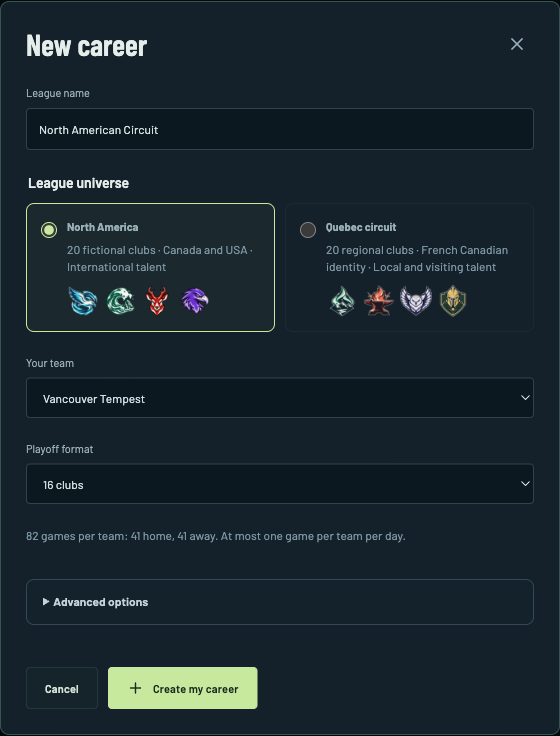
Open the game, choose Single player, then New career. Give the league a name, choose North America or the Quebec circuit, and pick Your team. Select your playoff format, then Create my career.
The North American circuit has 20 fictional clubs. The regular season gives each club 82 games, split between home and away. Leave the advanced options alone for your first career.
2. Get to know your roster and set your lines
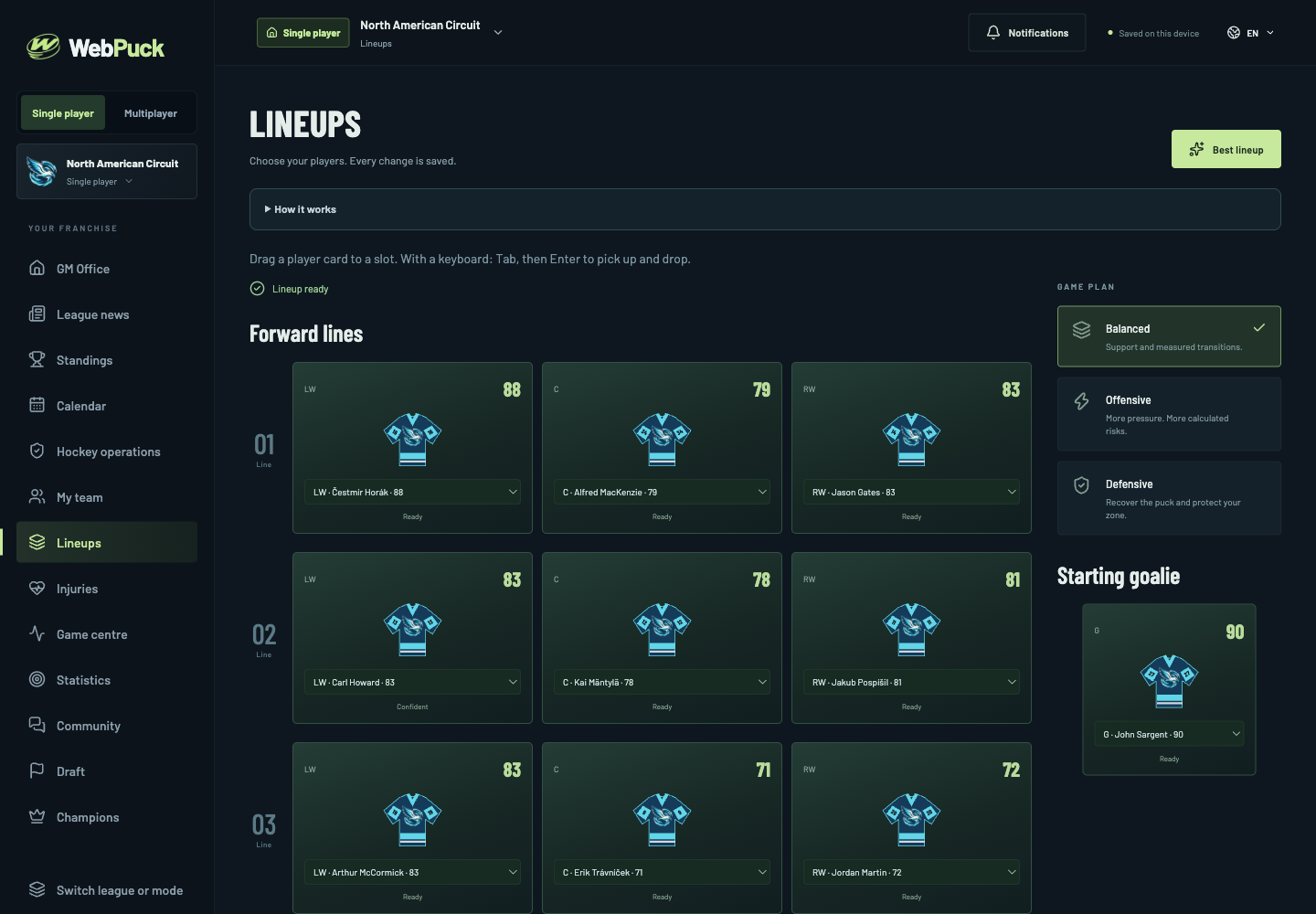
Start with the GM office, then open your roster and lineup. Look at positions, condition and player ratings before changing combinations.
Set your forward lines, defense pairs and special teams. Keep players in suitable roles and check who is unavailable. You do not need to make a trade before playing your first game.
3. Advance the calendar and simulate your game
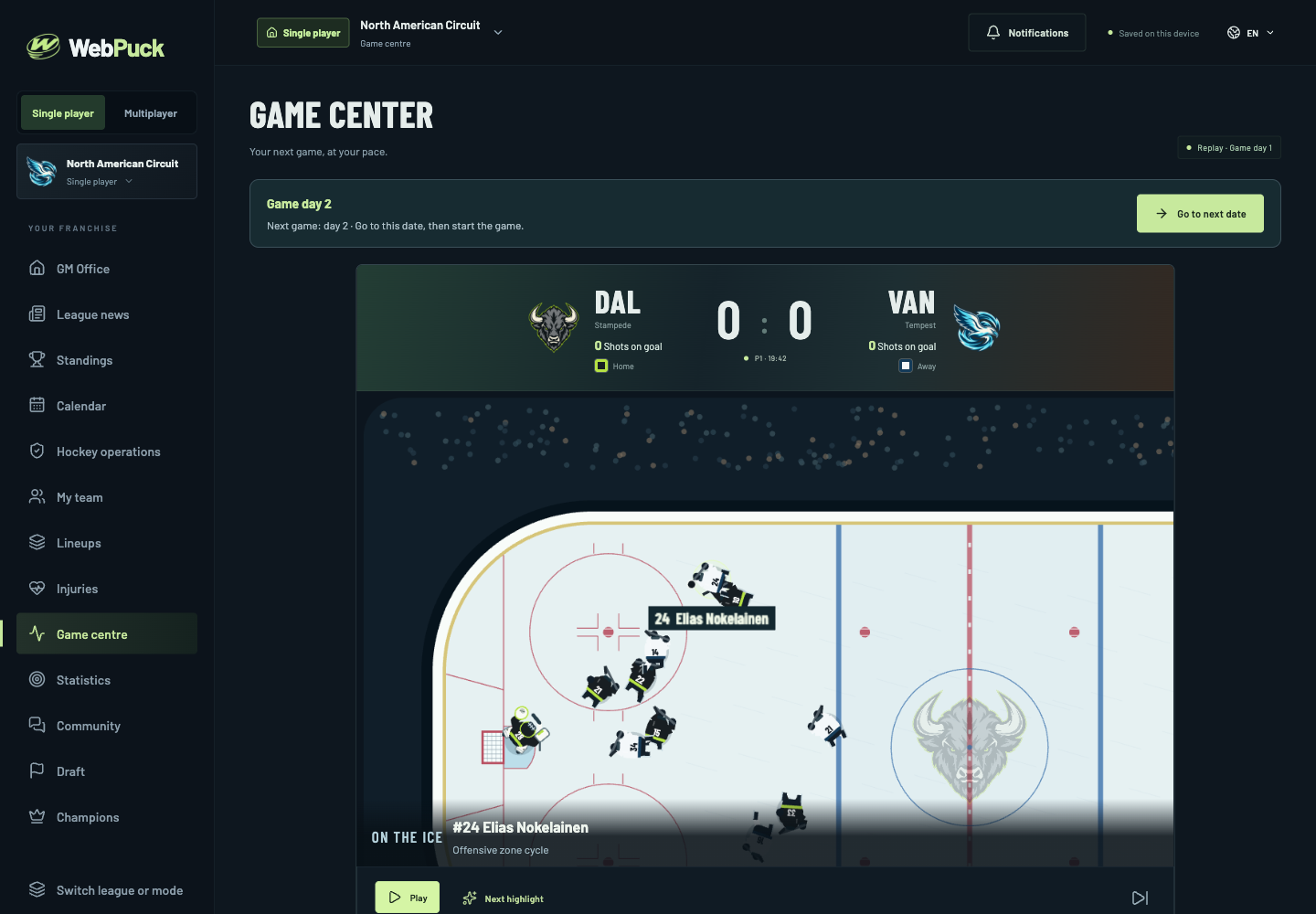
Open Game centre (Game on the phone navigation). If your club does not play on the current date, use Go to next date. When your team plays today, choose Simulate game.
Advancing the calendar and simulating your match are separate steps. Wait for the simulation to finish before looking for the replay.
4. Watch the replay and make one adjustment
Use Pause, the game timeline and Next highlight to inspect the action. Look at how your lines perform, where chances develop and how the score changes.
After the match, review the result and standings. Try one lineup change before the next game so you can learn what your decisions do.
5. Keep a copy of your career
Solo progress stays in this browser on this device. Use the save export in Settings before switching devices or clearing browser data. Keep the exported file somewhere you can find it; Import save restores it.